
Download from MediaFire
4.2 GB · Full client, one file. Fast, free, no account needed.
💡 Click only the big blue Download button: the other buttons on MediaFire are ads.
Everything to start playing
 Download NoxFree · Windows 7 to 11Download →
Guides and how the game works
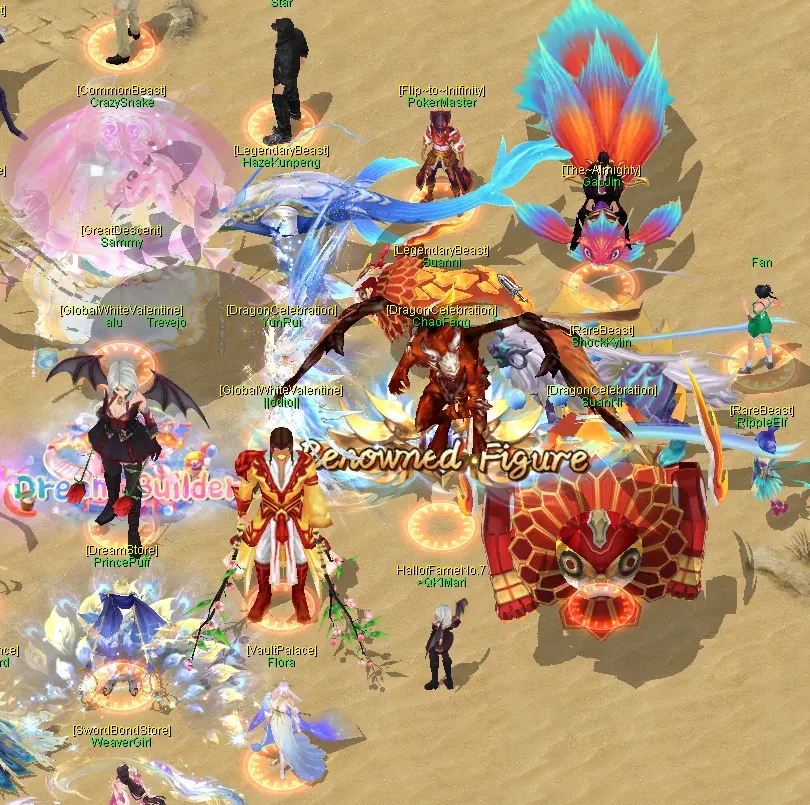 Getting startedYour first hours, step by stepRead the guide →
What's happening right now
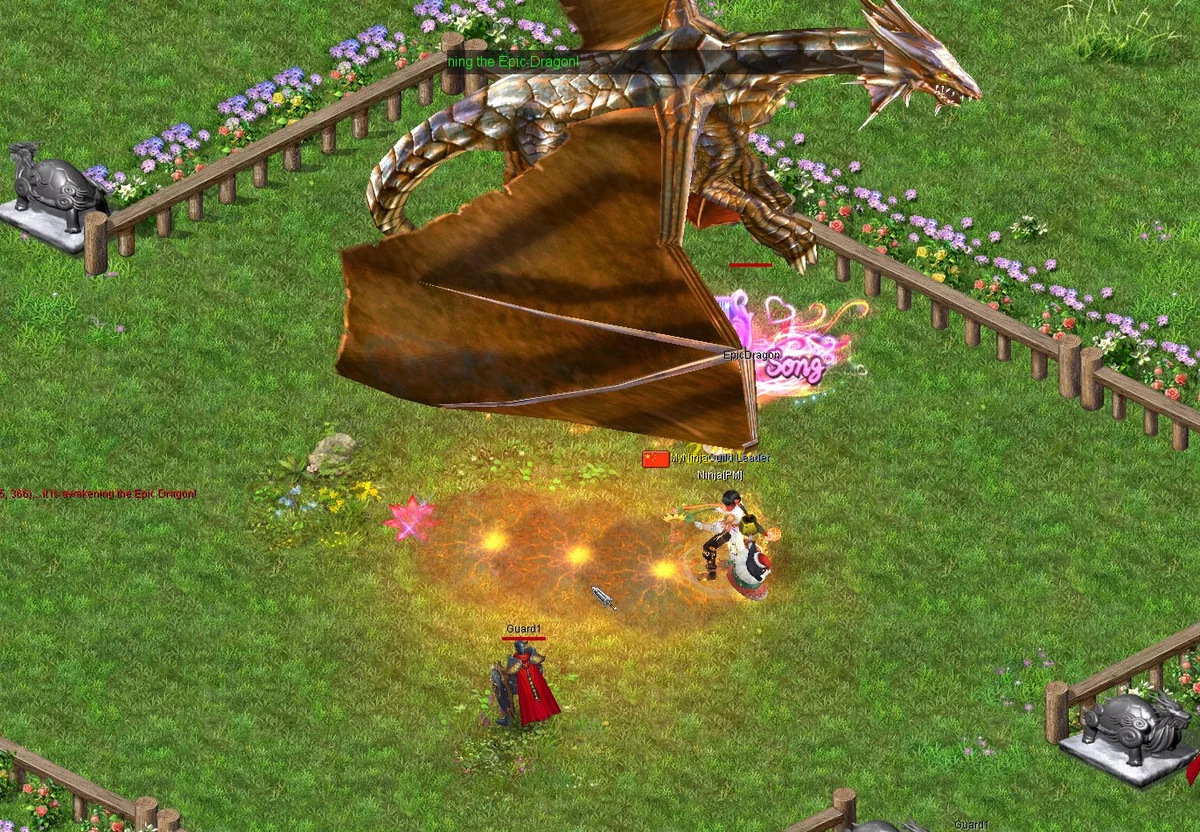 Hunting Day+20-50% rare drops, +25% Meteors & silverSee today's events →
Day Themes · server time (Cairo)
Bonuses never raise a daily cap.
Get started
Four steps and you are in the game.
📱 Nox runs on Windows PCs only. You can register and manage your account on this phone, but download and play on a Windows computer.
Log in to the game with your username and your password, not with your email.
Pick a mirror below. The Setup is 4.2 GB.
Run the Nox Setup. If Windows SmartScreen warns you, choose More info, then Run anyway.
Use the desktop shortcut or the Start menu. The launcher updates the game for you.
Type your username your username and your password.
4.2 GB · Full client, one file. Fast, free, no account needed.
💡 Click only the big blue Download button: the other buttons on MediaFire are ads.

4.2 GB · Full client, one file. Fast, free, no account needed.
💡 MEGA's free daily transfer quota can stop a big download; if it does, use MediaFire.

4.2 GB · Full client, one file. Fast, free, no account needed.
⚠ Windows 7 players
Windows 7 doesn't have the security certificates the launcher needs, so it shows error 12175 (certificate rejected). Do these steps once, before you install the game:
3.7 MB · Windows 7 SP1
SHA-256 of NoxWin7Fix.exe, to check your file: 79cc4ffaef3df9b3d28270f18495e315c80ae67e8b918587a6279e6ac0b74a4e
Requires Windows 7 SP1. If the fix reports an error, install KB3140245 yourself from the Microsoft Update Catalog (x64 for 64-bit Windows, x86 for 32-bit), restart, and run the fix again.
Nox-Shield is the game's own protection (the login screen shows it). If it shows Off, or your antivirus removed or blocked a game file (Play.exe, TqPlat.dll), restore it from quarantine, add the Nox folder to your antivirus exceptions, then open the launcher and choose Repair client.
Use your username (your username), not your email. Check the keyboard language and Caps Lock, or paste the password with Ctrl+V. Forgot your password?
After 10 wrong tries the login waits 5 minutes. Wait, then try once more carefully, or reset your password on this site.
Close every Nox window and open the launcher again; it updates the game. Still stuck? Choose Repair client in the launcher.
Your account plays on the server you chose at sign-up. Pick that server in the game.
Our team and players help on Discord.
Online members
 Madara Playing VALORANT
 Medo nwareg
 Nox
 Nox[PM]
 Sayed[PM]
 𝓞𝓼𝓪𝓚𝓪
 👑ViRuS🔪👑