
Download from MediaFire
4.2 GB · Full client, one file. Fast, free, no account needed.
💡 Click only the big blue Download button: the other buttons on MediaFire are ads.

Everything to start playing
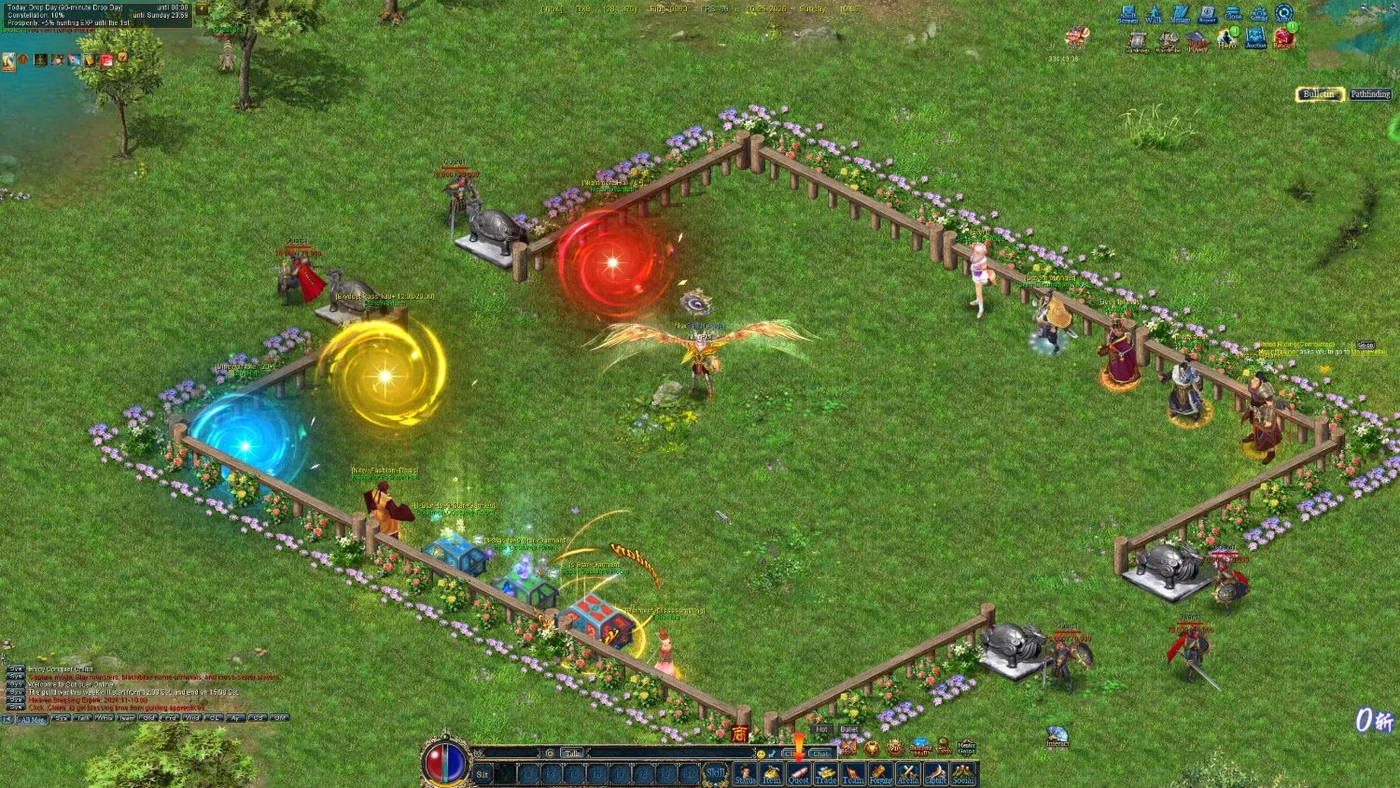 Download NoxFree · Windows 7 to 11Download →
Guides and how the game works
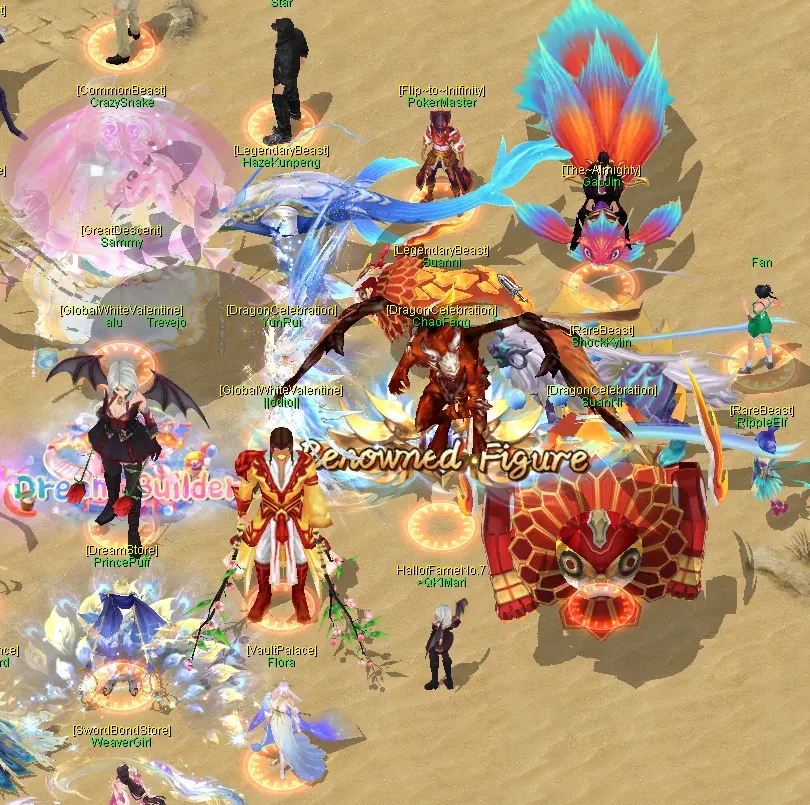 Getting startedYour first hours, step by stepRead the guide →
What's happening right now
 Hunting Day+20-50% rare drops, +25% Meteors & silverSee today's events →
Day Themes · server time (Cairo)
Bonuses never raise a daily cap.
Download
The full Conquer Online 6160 client with the Nox launcher. Download it once; the launcher keeps it up to date.
📱 Nox runs on Windows PCs only. You can register and manage your account on this phone, but download and play on a Windows computer.
🧭 New to Nox? The Get Started page has the login tips, the requirements and fixes for common problems. Get started →
4.2 GB · Full client, one file. Fast, free, no account needed.
💡 Click only the big blue Download button: the other buttons on MediaFire are ads.

4.2 GB · Full client, one file. Fast, free, no account needed.
💡 MEGA's free daily transfer quota can stop a big download; if it does, use MediaFire.

4.2 GB · Full client, one file. Fast, free, no account needed.
⚠ Windows 7 players
Windows 7 doesn't have the security certificates the launcher needs, so it shows error 12175 (certificate rejected). Do these steps once, before you install the game:
3.7 MB · Windows 7 SP1
SHA-256 of NoxWin7Fix.exe, to check your file: 79cc4ffaef3df9b3d28270f18495e315c80ae67e8b918587a6279e6ac0b74a4e
Requires Windows 7 SP1. If the fix reports an error, install KB3140245 yourself from the Microsoft Update Catalog (x64 for 64-bit Windows, x86 for 32-bit), restart, and run the fix again.
Can't update? Close every Nox window, then open the launcher again. Still stuck? Install the latest Setup above once. All updates →
SHA-256 of the download, to check your file:
2a270af35186a9bd91068ac4a872a65d59f7bdd10c2e93c376b9d4c664dd7226
Online members
 Madara Playing VALORANT
 Medo nwareg
 Nox
 Nox[PM]
 Sayed[PM]
 𝓞𝓼𝓪𝓚𝓪
 👑ViRuS🔪👑