The settings window
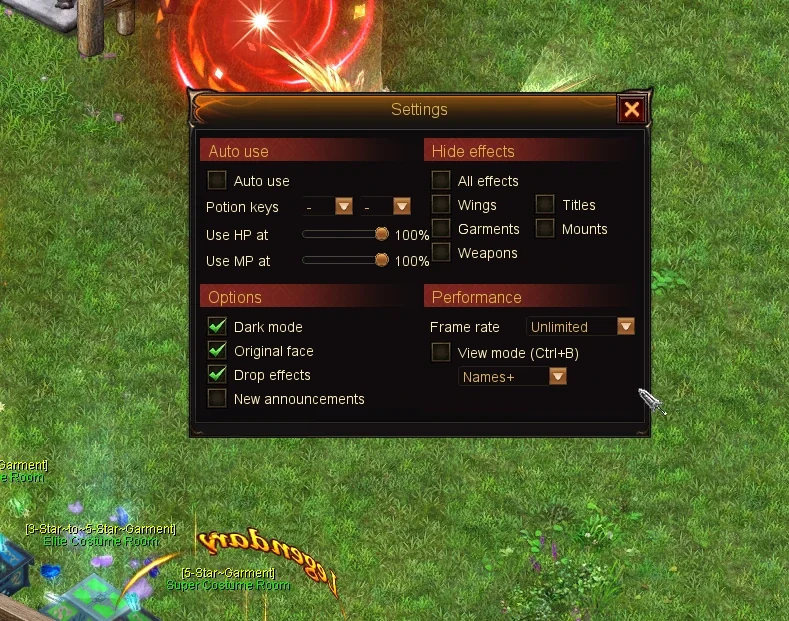
The Hot button at the right end of the chat bar opens the Nox settings window. Everything in it is saved per character.
Auto use
| Option | What it does | Default |
|---|---|---|
| Auto use | Uses your potions by itself when your HP or MP falls below the marks. When a slot runs out it opens a 7Star or Serenity pouch. Nothing happens while you are dead. | Off |
| Potion keys | The quick-bar keys it presses: up to 2, from F1 to F10 | None |
| Use HP at / Use MP at | The mark, from 10% to 100%. 100% uses a potion as soon as any HP or MP is missing. | 100% |
Hide effects
These hide looks on other players only; you always see your own.
| Option | What it hides | Default |
|---|---|---|
| All effects | Other players' skill and attack effects that don't involve you, and all their looks: wings, titles, halos and equipment glow | Off |
| Include my own effects | With All effects on, your own looks hide too: wings, titles, halos and equipment and mount glow. Your skill effects and hit numbers still show. | Off |
| Wings / Garments / Weapons / Mounts | That look on other players (Weapons includes the Epic glow) | Off |
| Titles | Other players' titles, both their own and Wardrobe titles | Off |
Options
| Option | What it does | Default |
|---|---|---|
| Lighting | Server time: the server's day and night, as in the original. Always dark: the night look at every hour. Custom: the Brightness slider (10% to 100%) at every hour; moving the slider picks Custom. Boss nights and tinted maps still come from the server. Saved per character. | Server time |
| Original face | Characters without a face frame keep the classic small portrait. Off: the larger modern face icon. | On |
| Drop effects | The light beam over items on the ground. Off: no beam; the item and its name still show. | On |
| New announcements | World announcements also scroll in the new banner. Off: only the classic chat line. | On |
| Hunter meter | The look of the Hunter's Pouch meter: Dragon Seal, DragonBall or Dragon Medallion. It changes at once and is kept. | Dragon Seal |
Performance
| Option | What it does | Default |
|---|---|---|
| Frame rate | Normal 60, High 144, Ultra 240 or Unlimited. A cap picked in System Setup (30, 75, 120 or 165) shows here as "N FPS". | Normal 60 |
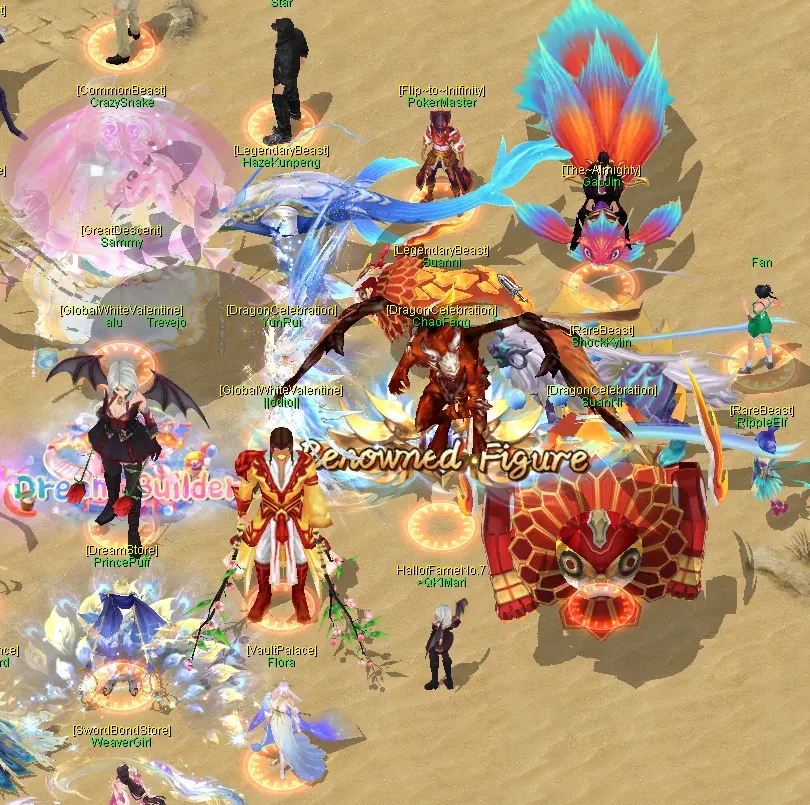
| View mode (Ctrl+B) | Thins out other players in crowds; Ctrl+B turns it on and off. Your team, friends, enemies, red and black names, your guild and allies, enemy guilds and anyone fighting you always stay fully shown. | Off, Names+ |
| View mode | Other players look like this |
|---|---|
| Names+ | No bodies; names, life bars and skill effects show |
| Names | No bodies and no skill effects between them; names and life bars show |
| Hidden | Not shown at all |
| No FX | Shown normally, without the skill effects between them |
Effects that hit you, monsters, pets or your teammates always show.
The System Setup window
The game's System Setup window keeps its own options. Some are the same setting as one in the Nox window: changing one changes the other.
| Option | What it does | Default |
|---|---|---|
| Hiding Setting | Chooses who stays visible while HidePerson (Tab+Space) is on (see below) | Named, friends, enemy list, allies and enemy guilds shown |
| Hide attack effects | Hides attack effects you are not part of. Part of All effects in the Nox window. | Off |
| Show skill name | Shows the skill name over characters who cast it | On |
| Graphics quality | High / Normal / Smooth. Smooth keeps 3D effects at the lowest level and hides other players' looks. | Normal |
| Auto-lower | Switches to Smooth when your FPS stays under 15 for 10 seconds, with a one-line notice. Picking High or Normal again turns it off. | On |
| Maximum FPS | 30, 60, 75, 120, 144, 165, 240, Unlimited or "Your monitor". The same setting as Frame rate in the Nox window. | 60 |
| Auto-reject team invites | Turns down team invites for you, remembered per character | Off |
Hiding other players
Press Tab+Space (HidePerson) to hide other players. These rules decide who stays visible:
| Rule | Effect |
|---|---|
| Show named | Players with blue, red or black names stay visible |
| Show friends | Friends and team members stay visible |
| Show enemy list | Your personal enemy list stays visible |
| No prompt | No "hidden" effect over your character |
| No appearance | No appearance effects on other players (armor, garment, weapon glow, mount, wings) |
| Show allies | Your guild and its allied guilds stay visible |
| Show enemy guilds | Enemy guilds stay visible |
The top status bar
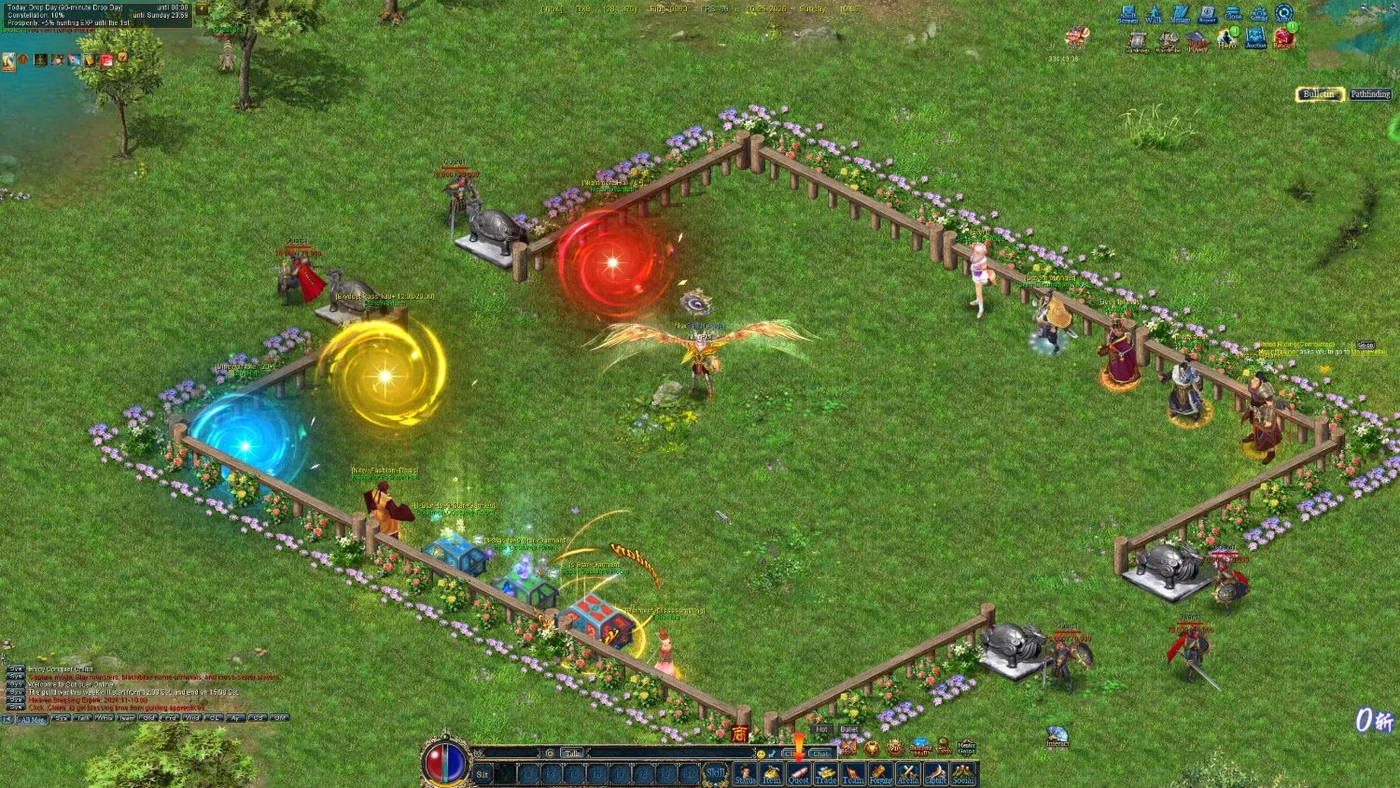
A bar at the top of the screen shows:
- the server name,
- your character name,
- your position (x,y),
- your ping (red above 120 ms),
- your FPS,
- the date and weekday,
- the clock.
The clock blinks red from 5 minutes before an event starts and stays red while one is running. Today's events are listed under the bar with their start or end times. See the Event calendar.
Mail and level-up
- Mail is the animated gift box labelled "Mail". New mail adds a red ! badge, which clears when you click it.
- Mail is kept for up to 30 days. PK tournament prizes are kept for 6 days.
- A gold "LEVEL UP" banner shows for about 3 seconds each time you gain a level.
Tips
- On a slow PC, keep Auto-lower on (it is on by default) so the game drops to Smooth during big fights.
- In crowded boss fights, use HidePerson with "Show friends" and "Show allies" on, so you still see your team.
- Check your mail after events: offline rewards, Epic Fragments and PK prizes arrive there.
- In crowded fights, press Ctrl+B for View mode: your team and enemies stay fully shown while the crowd thins out.